How to Run a Manual-Work Leak Audit (and Find What to Automate First)
A manual-work leak audit is a one-to-two-week review that lists every repetitive task a team does by hand, times each one, and converts the hours into a yearly dollar cost. You then rank the workflows by cost and how rule-based they are, and automate the most expensive rule-based one first.
Key points
Most teams guess which work to automate. An audit replaces the guess with hours and dollars.
The formula is simple: runs per week x minutes per run x people, converted to hours, x loaded hourly rate x 52.
Automate the workflow with the highest cost that also follows clear rules. Leave judgment-heavy work with people.
One person can run the audit in about two weeks with a spreadsheet, a timer and 30-minute interviews.
Present the result to leadership as three costed workflows, not a list of 40 tasks.
What is a manual-work leak audit?
It is a cost map of the work your team does by hand that a system could do instead. "Leak" is the right word because the cost is spread across dozens of small tasks.
Think of copying a form into the CRM, chasing a missing field, building the Monday report or writing the same follow-up email. No single task looks expensive, so nobody fixes it.
The audit has three outputs:
A workflow list: every manual workflow, each with an owner, a trigger and the tools it touches.
A yearly cost per workflow: based on timed runs, not guesses.
A ranked shortlist: the three workflows to automate first, each with a one-paragraph build brief.
A task is one step ("paste the company size into the CRM"). A workflow is the chain of steps from one trigger to one output ("a demo request becomes a routed, enriched lead"), and workflows are what you automate.
The audit is the first step in building an AI operating system for a B2B team.
Why audit before you automate?
Because the work people complain about is rarely the work that costs the most. Teams that skip the audit tend to automate whatever is most annoying, then find the hours did not move.
The scale of the leak is well documented:
Coordination work: Asana's 2021 Anatomy of Work Index, a survey of 13,123 knowledge workers, found people spend 60% of their time on "work about work" such as status updates, searching for information and switching between apps.
Sales time: Salesforce's State of Sales report found reps spend just 28% of their week actually selling, with most of the rest going to tasks like deal management and data entry.
Automation potential: McKinsey estimates that current generative AI and other technologies could automate work activities that absorb 60 to 70% of employees' time.
Those numbers say the opportunity is real. They do not say which of your workflows to fix. The audit does.
The audit also gives you a baseline. If you never timed the old process, you cannot prove the new one saved anything.
How do you run a leak audit?
Pick one team (Sales, Operations or Product) and run six steps over two weeks. Steps 1 to 3 collect the data.
1. List every recurring manual task
Send each person on the team one question: "What do you do every week that involves copying, pasting, chasing or re-typing?" Collect the answers in the audit sheet (template below).
Merge duplicates that share the same trigger and output. Two people who both "update the pipeline sheet after calls" are one workflow with two people.
2. Interview the owners for 30 minutes each
Ask each owner to walk you through their three most frequent tasks on a screen share. Write down every step, every tool switch and every decision. Process Street's guide to process documentation gives a useful rule here: break each step into bite-sized pieces with one person assigned to it.
A decision is any point where the person has to judge something ("is this lead qualified?") rather than follow a rule ("if the country is Canada, assign to the Canada queue"). Decisions are where a person stays in the loop.
3. Time the runs
Ask owners to log five real runs of each task with a start and end time. Memory-based averages are usually off.
Record two numbers per task: minutes per run and runs per week. If a task runs monthly, convert it (one run a month is about 0.23 runs a week).
How do you turn timed runs into a ranked shortlist?
Apply one cost formula, two scores and a short written brief.
4. Calculate the yearly cost
Use this formula for each workflow:
Yearly cost = (runs per week x minutes per run x people doing it / 60) x loaded hourly rate x 52
The loaded hourly rate is salary plus benefits and payroll taxes, divided by 2,080 working hours. If you don't have exact figures, use one blended rate for the team and note it as an assumption.
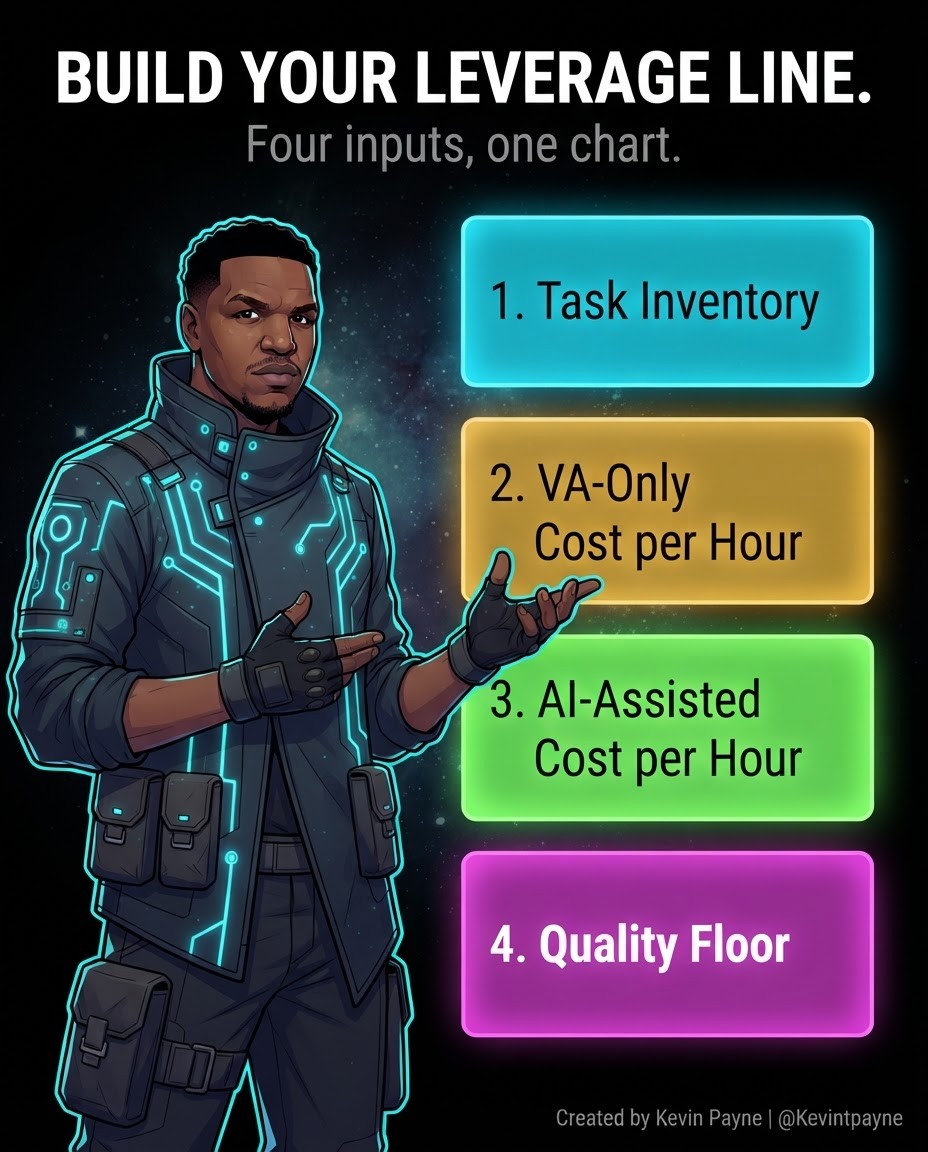
The same inputs give you what I call the Leverage Line: the task inventory, today's cost per hour, the cost per hour with AI, and the quality floor you will not drop below.
5. Score each workflow
Give each workflow two extra scores from 1 to 3:
Score | 1 | 2 | 3 |
|---|---|---|---|
Rule-based | Mostly judgment calls | Mix of rules and judgment | Clear rules every time |
Build effort | New system or data needed | One or two new connections | Uses tools you already have |
Priority = yearly cost x rule-based score x build effort score. The top three become your shortlist.
Here is how common GTM and RevOps task types tend to sort by judgment risk and system complexity.

6. Write the shortlist
For each of the top three, write one paragraph covering five things:
Trigger: what starts the workflow.
Automation: what the system would do on each run.
Connections: which tools it reads from and writes to.
Human check: what a person still approves.
Saving: the yearly cost it removes, from step 4.
That paragraph is your build brief.
What questions should you ask in the owner interviews?
Ask about triggers, steps, exceptions and outputs, in that order. Open questions about "pain points" produce complaints. Questions about the last real run produce data.
Use this question bank and pick the ones that fit:
Trigger
What starts this task? An email, a form, a calendar date, a message from someone?
Steps
Show me the last time you did this, start to finish.
Where do you copy from, and where do you paste to?
Decisions and exceptions
At which step do you have to think, rather than follow a rule?
What happens when a field is missing or the data looks wrong?
Output and handoff
Who uses the result, and what do they do with it?
Watch a real run on screen share. People skip steps when they describe work from memory, often the copy-paste ones you want to find.
What should the audit sheet look like?
One row per workflow, with columns for the data you collect in steps 1 to 6. A shared spreadsheet or a Notion database both work.
Here is a sample layout with one illustrative row (hypothetical numbers, not from a real team):
Column | Illustrative row |
|---|---|
Workflow | New demo request to CRM |
Owner | SDR team |
Trigger | Demo form submitted |
Tools touched | Form tool, CRM, Slack |
Output | Enriched, routed lead |
Runs per week | 40 |
Minutes per run | 6 |
People doing it | 3 |
Yearly cost | Calculated |
Rule-based (1 to 3) | 3 |
Build effort (1 to 3) | 2 |
Priority | Calculated |
Human check | Owner reassignment |
Keep the cost and priority columns as formulas, not typed numbers. When an owner corrects a timing, the ranking updates on its own.
Which tools help you time the runs?
A time tracker, a screen recorder and the audit sheet cover it. Do not buy automation tools until the shortlist tells you which connections you need.
Automatic time trackers
Manual timers fail when owners forget to start them. An automatic tracker such as Rize runs in the background on Mac and Windows and uses AI to tag each work session to a client or project.
Ask owners to label entries with the workflow name from your sheet. A start and end time in a spreadsheet tab also works for a small team.
Screen recording
Any screen recorder with transcripts helps when an owner cannot make a live interview. The transcript doubles as a first draft of the step list.
After the audit
For the builds themselves, I work in Notion, Claude, Relevance AI and Composio, and I list the full set on my stack page. If the shortlist points to Claude, plan access and data rules first using the guide to rolling out Claude to a team securely.
How much does manual work cost? A worked example
Here is the worked example from my AI Workflow Install page: a 12-person team where each person spends 8 hours a week on manual work, at a $60 loaded hourly rate.
Input | Value |
|---|---|
People | 12 |
Manual hours per person per week | 8 |
Loaded hourly rate | $60 |
Weekly cost (12 x 8 x $60) | $5,760 |
Yearly cost (x 52) | $299,520 |
In that example, one workflow accounts for half of the total, or $149,760 a year. That is normal. The leak is rarely spread evenly, and one or two workflows usually carry most of the cost.
That is why the scoring step matters more than the list. A team that automates five small workflows can do more work and remove less cost than a team that automates the one large one.
Which workflows should you automate first?
Automate the most expensive workflow that follows clear rules and uses tools you already pay for. In B2B teams that usually means one of these:
Data entry between systems: form fills, call notes or spreadsheet rows copied into the CRM.
Lead routing and enrichment: looking up a company, filling missing fields and assigning an owner.
Recurring reports: pulling the same numbers into the same deck or Slack update every week. Reporting tools like Databox can automate reports and deliver them to email or Slack on a schedule.
Follow-up drafting: first drafts of reminder, renewal or next-step emails for a person to approve. AI agent platforms such as Lindy now take meeting notes and send the follow-ups.
Start with a fixed workflow, not an autonomous agent. Anthropic's engineering team defines workflows as systems where LLMs and tools are orchestrated through predefined code paths, and recommends the simplest solution that works.
The guide to AI operating systems vs AI agents covers when an agent is worth the extra complexity.
Keep a person in the loop for anything that sends money, changes terms or contacts a customer for the first time.
What mistakes ruin a leak audit?
Most failed audits fail on scope or data quality, not on the formula. Watch for these:
Auditing the whole company at once: you get 200 rows, no interviews finish and the project stalls. One team, two weeks.
Using estimates instead of timed runs: owners guess low on their own work. Five logged runs per task fix most of it.
Listing tasks instead of workflows: "paste company size" is not automatable on its own. Group steps by trigger and output first.
Ranking by annoyance: the task everyone complains about is often cheaper than a quiet one nobody mentions. Rank by the priority formula.
Skipping the build-effort score: a high-cost workflow that needs a new data warehouse is not your first build.
No baseline saved: if you lose the timed runs, you cannot prove the saving after go-live. Store them with the sheet.
How do you present the findings to leadership?
Lead with one number, three workflows and one ask. Leadership does not need the 40-row sheet.
Use this one-page structure:
Total yearly cost of manual work in the audited team, with the loaded rate stated as an assumption.
The top three workflows, each with its yearly cost, rule-based score and the human check that stays in place.
The first build: what it does, which tools it connects and how long it takes.
How you will measure it: 30 days of logged runs after go-live, compared against the baseline.
The ask: budget, owner time for testing, and access to the tools involved.
Show the formula on the page so leaders can check the math and debate which workflow goes first, not whether the number is real.
The AI automation maturity ladder helps show where the team sits today and where the first build moves it.
FAQ
How long does a leak audit take?
About two weeks for one team: one week to list and interview, one week to time runs and score.
Who should run the audit?
Someone outside the daily work of the team, such as an operations lead, a RevOps engineer or an outside consultant. Owners underestimate how long their own tasks take.
What is a loaded hourly rate?
Salary plus benefits and payroll taxes, divided by 2,080 working hours a year. It is the real cost of an hour of someone's time.
What if a workflow needs judgment?
Split it. Automate the rule-based steps around the judgment (gathering data, drafting, routing) and leave the decision with a person. Score only the automatable part.
Do people need to track their time for the whole two weeks?
No. They log five real runs of each task, which most owners finish in a few days.
How do I prove the automation worked?
Log runs for 30 days after go-live and compare hours against the baseline you timed in step 3. The difference, at your loaded rate, is the verified saving.
Get the cost of your own leak
If you want this run for your team, I do it as a free 30-minute Leak Call: we estimate what manual work in one area costs per year, and you get a costed workflow list within 48 hours. You can see all my offers on the services page or contact me directly.
About the author: Kevin Payne is an AI engineer and GTM operator who installs AI workflows for B2B teams. He has 10+ years in B2B SaaS demand generation and RevOps across Techstars, a16z and YC portfolio companies, and his writing has appeared in HubSpot, GetResponse, Outbrain and more.


